Vscode Is a Hidden Gem for Note-Taking
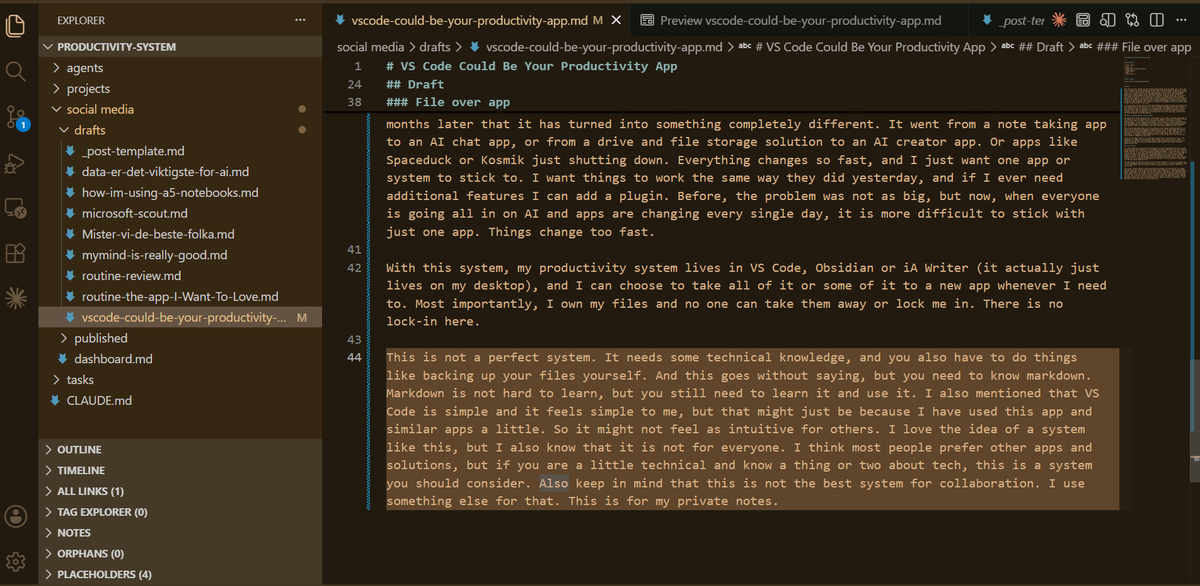
With the rise of AI, everyone has been thinking about markdown files and agents. Don’t worry, this post is not about AI, but AI actually got me here. When I started setting up my agents and context, I also started using Vscode and markdown files for more of my note taking. I even used it for this draft. I still do the main part of my note taking analog. I do more project and task management digitally, or rather I store a lot of information digitally. So my rule is that storage goes digital while thinking happens analog. More about the actual system in another post, but I think the context of me using a lot of analog tools is important. It started with an idea of having a place to get AI agents to do some of my busy work, like moving things around from to-do to done. Or taking my voice notes and creating tasks. But it ended up becoming a place where I would sit down and write. Writing blog posts, notes and even scripting YouTube videos. I had heard of people using Vscode as a note taking app, but I thought it was mainly for developers and that no one else would be able to make that work. I was wrong.
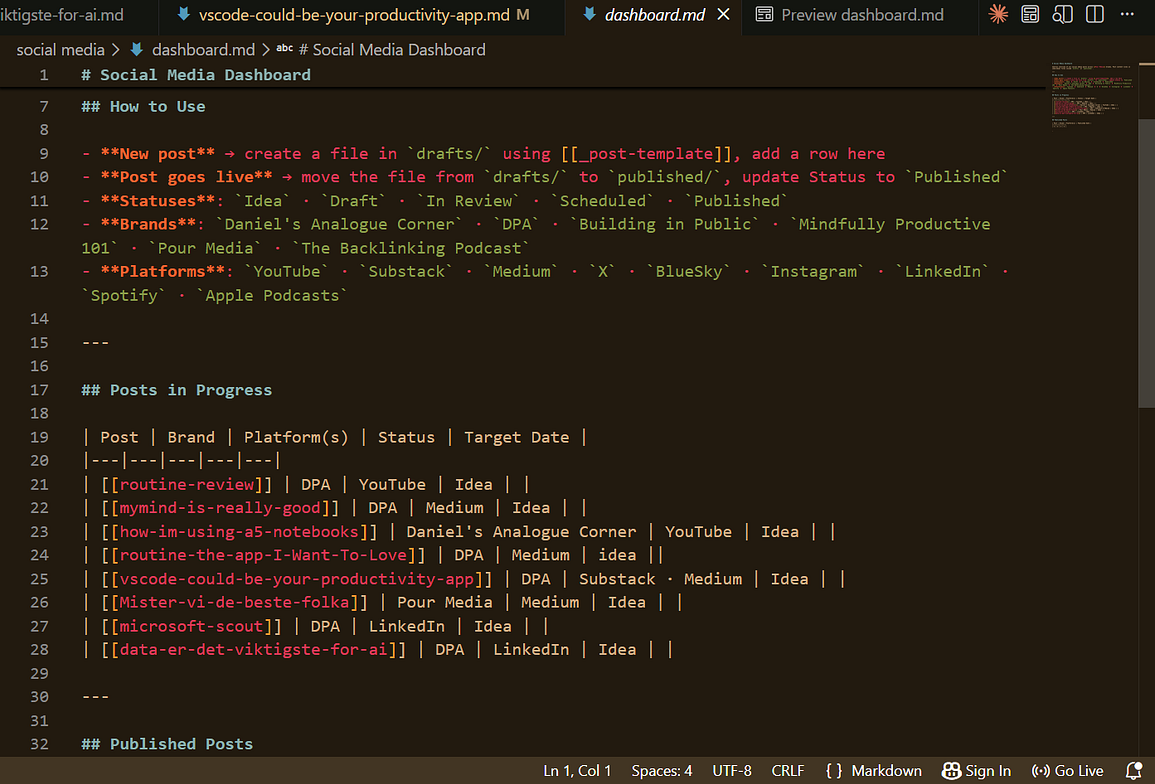
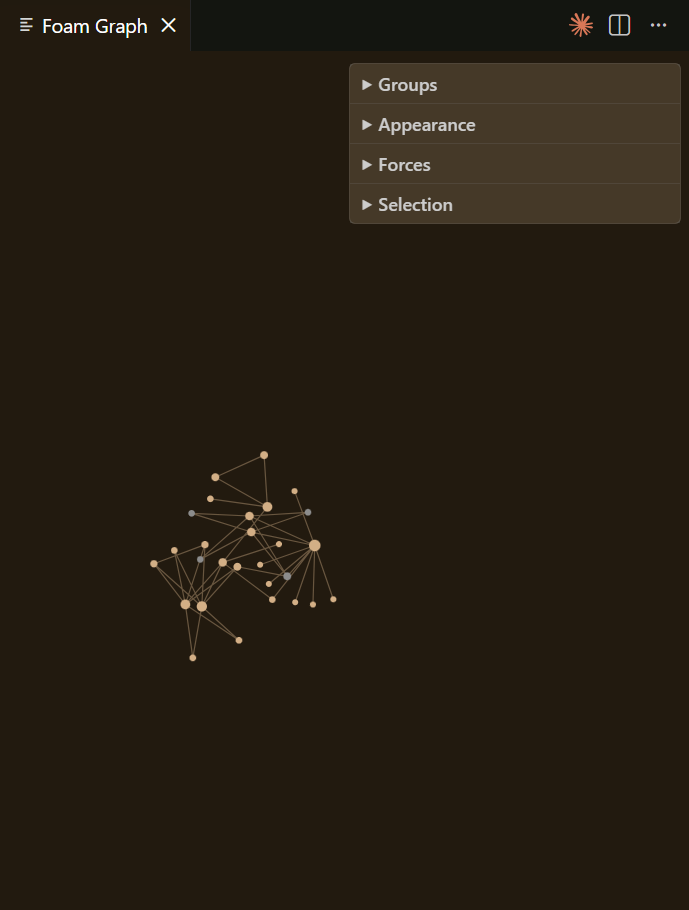
I still think this system is more tailored towards people who are used to using a tool like Vscode on a regular basis. In other words, if you are or have been a developer and the whole interface looks familiar to you. I do not think it is the best solution for someone who is not so technical, but I do think Vscode is a hidden gem. Just like Obsidian, it has plugins, and there is one in particular that I think is important. It is called Foam, and it allows for things like backlinks and even a graph view, which basically turns Vscode into a real note taking app. It adds some of the favorite features of the PKM community.
What are the big benefits of this system?
The main thing I really like about this is how flexible it is. Vscode is a really flexible app if you compare it to a note taking app, but not only that, markdown is also really flexible. Let’s say I am a little tired of Vscode. I can use the same files almost in the same way in several different apps. I can use something like iA Writer to write my posts if I want a more distraction free environment. I can use something like Obsidian. In a lot of cases I can even upload the files to a note taking app, even though that is not always perfect. For someone who tests and changes apps regularly, that is a great benefit. But that is more about markdown than just Vscode.
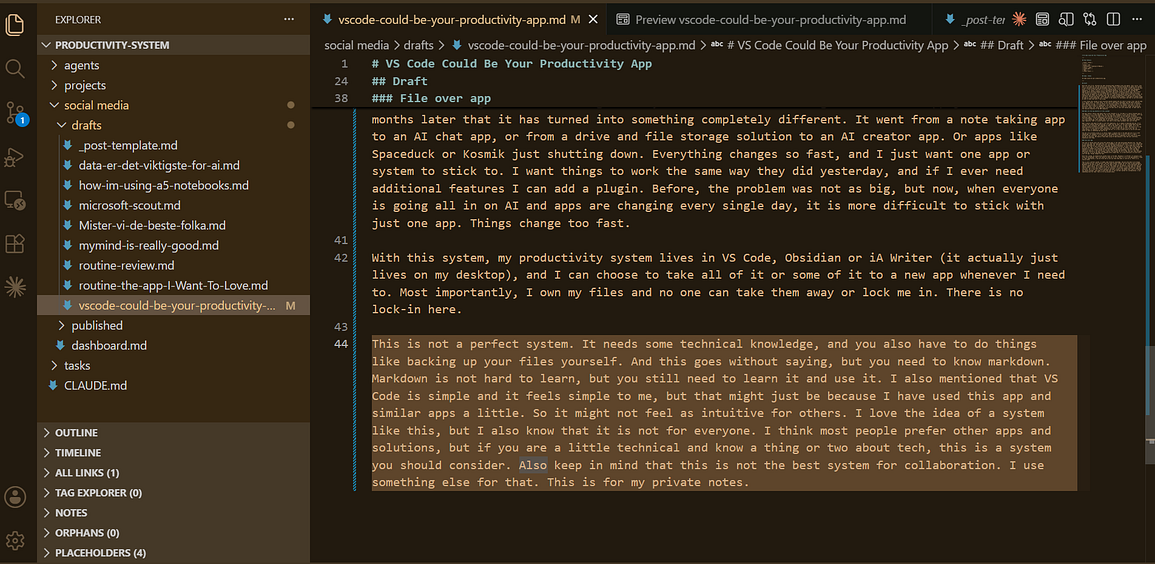
What I mainly like about Vscode is just the simplicity. It is simple to download and use. It is flexible but without being distracting. It might just be that I do not know enough about how much and what I can customise. But compared to some of the other tools, it feels simple. It is not always drawing my attention somewhere else. I also really like how it looks. But mainly it is the fact that it is just plug and play. Download it, open a folder and you are on your way. No subscription, no signing in, just download and use. It is also a great place to use AI with your notes if that is something you want to do.
The way I am currently using it is really simple. I mainly work in Vscode and use it as a note taking app, for example to write this post. But sometimes I get a little tired or I need a different user interface, so I jump into iA Writer to write or Obsidian to just look at my notes and get an overview. But mainly I have been using Vscode because I like the user interface, especially with Foam.
File over app
This way of taking notes and using note taking apps is the same philosophy Obsidian has. The idea of file over app. Your app might die, and it probably will die at some point. Or it will change and become something else. In this age of AI, that has been bothering me. I use an app just to see six months later that it has turned into something completely different. It went from a note taking app to an AI chat app, or from a drive and file storage solution to an AI creator app. Or apps like Spaceduck or Kosmik just shutting down. Everything changes so fast, and I just want one app or system to stick to. I want things to work the same way they did yesterday, and if I ever need additional features I can add a plugin. Before, the problem was not as big, but now, when everyone is going all in on AI and apps are changing every single day, it is more difficult to stick with just one app. Things change too fast.
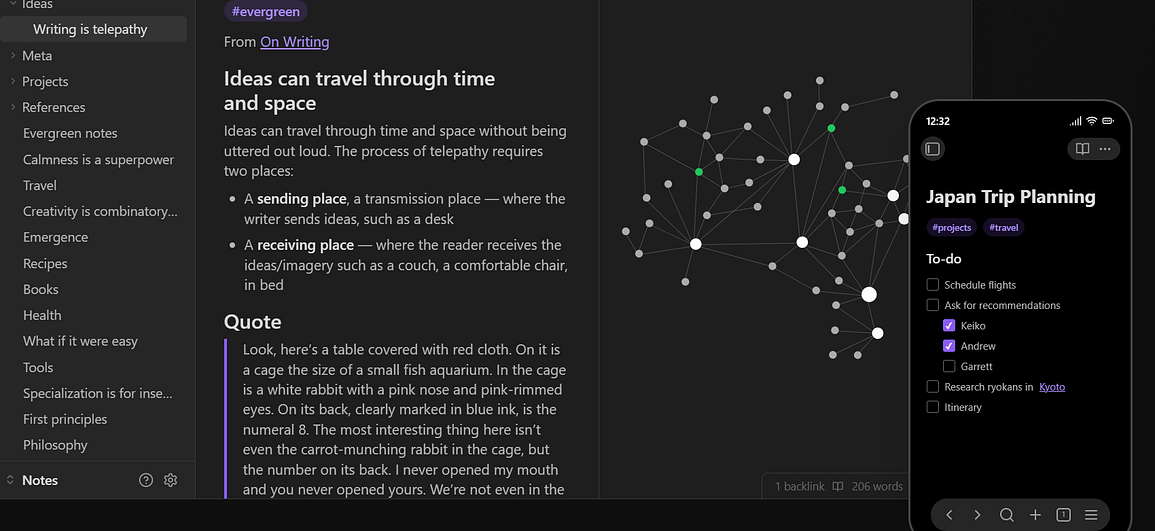
With this system, my productivity system lives in Vscode, Obsidian or iA Writer (it actually just lives on my desktop), and I can choose to take all of it or some of it to a new app whenever I need to. Most importantly, I own my files and no one can take them away or lock me in. There is no lock-in here.
This is not a perfect system. It needs some technical knowledge, and you also have to do things like backing up your files yourself. And this goes without saying, but you need to know markdown. Markdown is not hard to learn, but you still need to learn it and use it. I also mentioned that Vscode is simple and it feels simple to me, but that might just be because I have used this app and similar apps a little. So it might not feel as intuitive for others. I love the idea of a system like this, but I also know that it is not for everyone. I think most people prefer other apps and solutions, but if you are a little technical and know a thing or two about tech, this is a system you should consider. Also keep in mind that this is not the best system for collaboration. I use something else for that. This is for my private notes.