Supernotes is more Underrated than you think!
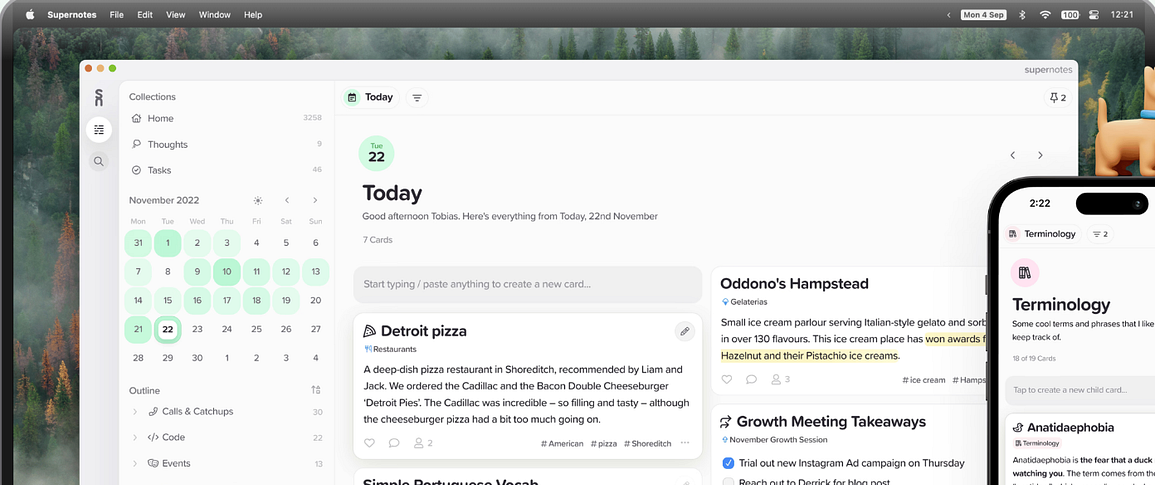
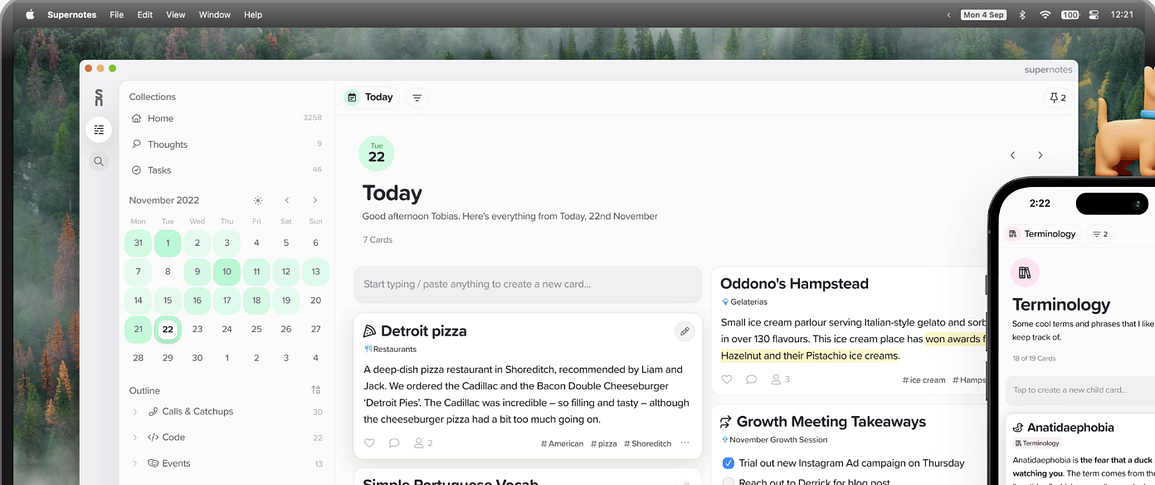
I have talked about Supernotes several times. It has been around for a few years now, but I recently revisited it. I am planning to go back to studies after the summer and I needed a note-taking app that would fit this new part of my life. With work, studies, and a move to a more analog system, I decided that I needed something new. I also made a promise to myself that I would spend more time thinking and less time outsourcing the thinking part to AI. I went analog for a while and most of my system will remain analog, but I need something digital too. I decided to give Supernotes another look. I knew that they had some nice features I liked and their philosophy around AI was important to me. I had forgotten how underrated this application is. I don’t know if it is because they are a small team and don’t spend much on marketing, or if there is a different reason, but I honestly think Supernotes is one of the most underrated apps out there for people who are looking to learn and increase their understanding. Supernotes does not make me more efficient. There are better apps for that, but it is an application that is great for learning and knowledge management.
How am I using Supernotes
Supernotes uses note cards, and as someone who has recently been playing with an analog Zettelkasten system, it gave me an idea. What if I build a Zettelkasten-style note-taking system inside Supernotes? I have a tag called “resource” and everything that is supposed to go into my Zettelkasten system is tagged that way. That gives me a way to differentiate between the notes in the knowledge management system and life notes, things like task lists, recipes, project notes, or even reading lists. I don’t want those in my knowledge management system, and with the filtering options in Supernotes it works out really well. I can just filter on my tags to only see my resource cards. I can also turn those cards into flashcards if I want to review them, which is amazing. I get flashcards in my note-taking app and I don’t have to move around.
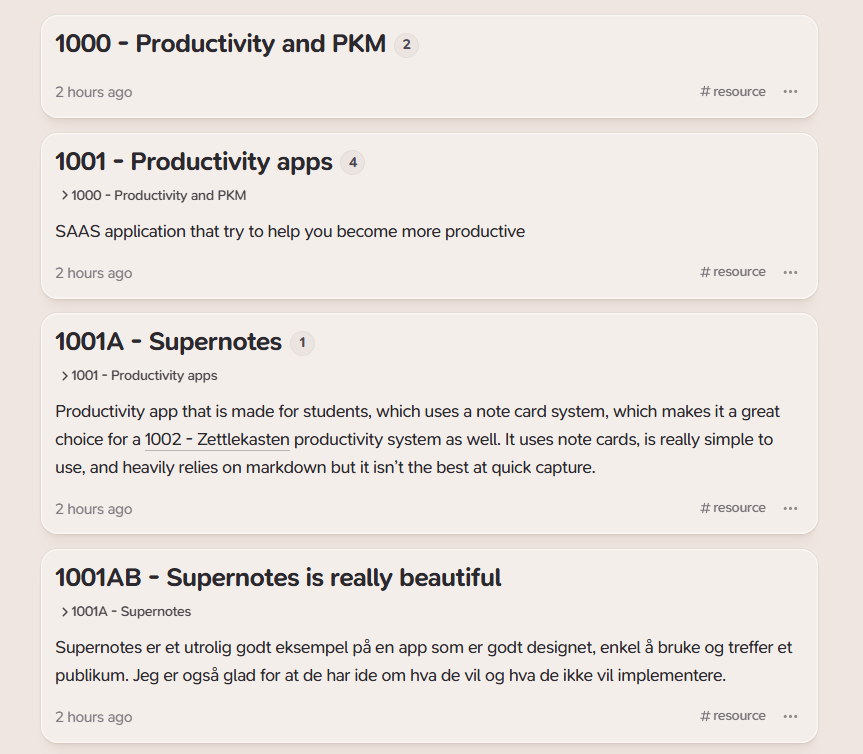
The way I have decided to set this up is with a number system. For example, the card “productivity” has the number 1000, “object-based note-taking” is number 1001 and is nested under the productivity card. Then the “Capacities” card has the number 1001A and is nested under “object-based note-taking.” Then I have another card about productivity which has the number 1002. The fact that Supernotes uses cards and parent-child relationships allows for a system that is similar to the analog Zettelkasten. You would not need the numbers, but I use them as a tool for serendipity. Whenever I write a new card I need to dive into my system and read through a few cards to figure out where this new one should go and what number it should have. It is not something I have to do, but I have found that it makes it much easier for me to revisit my notes on a regular basis. I also use backlinks whenever I need to link things together across topics. So I use both nested cards and parent-child relationships. The combination of those, together with tags, has seemed to be working out really well so far. I also love the fact that I can view them in a table view, a graph view, and even a map or flashcard view.
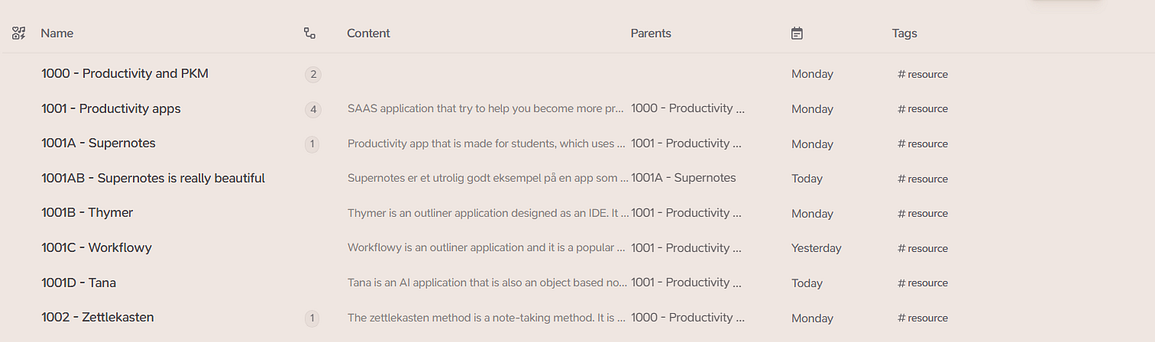
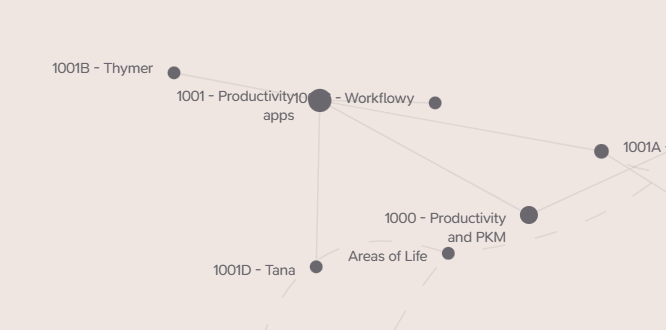
The graph view is actually underrated and I think that is true in all applications. Whenever I need to come up with a new idea for a blog post or YouTube video, I can check my graph and see my clusters of notes. They point me to the topics and subjects I have been interested in, and those are probably the things I should be creating content about.
Friction
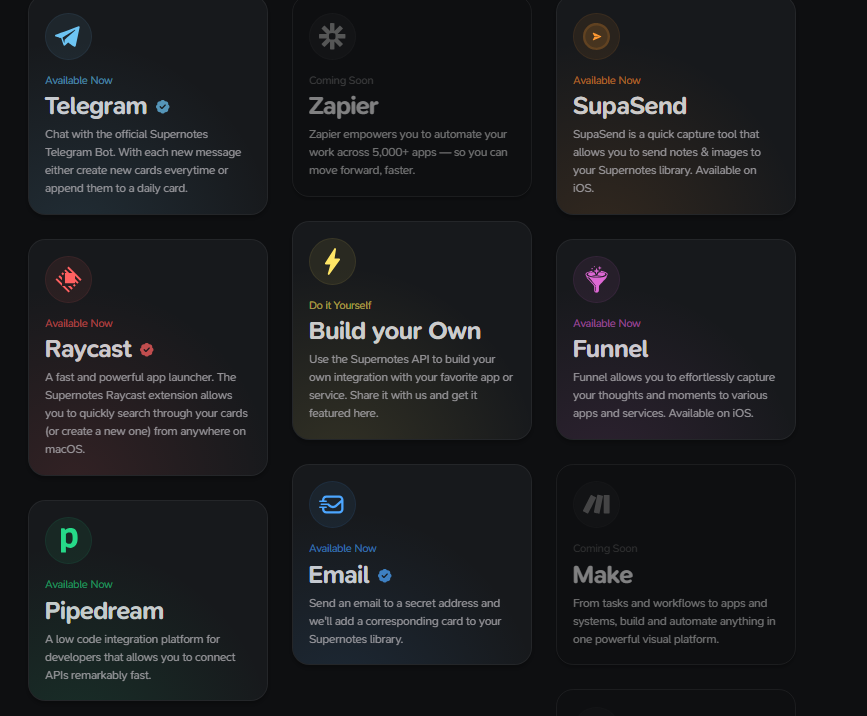
Supernotes has an API and you can connect it to something like Raycast and even use Raycast AI with the application, but Supernotes is also an application that offers a little more friction than some of the other apps out there. Not to a point where I have to fight the application, but to the point where I have to think when I write something down. I have to put some effort into it, which I think is extremely important if the goal is to learn and understand, which is my goal with this system. I have even added more friction on my end. All of the notes I take for the Zettelkasten system are written analog first. My literature notes are written in a notebook or on an index card. So I have to move them from analog to digital. I also do not use tools like Readwise or other automation tools to get things into my note-taking app automatically. I want to avoid automation and embrace friction in the Zettelkasten system. For other parts of my system in Supernotes I am happy to use automations and have AI doing things for me, like in my project notes or task lists, but not with anything tagged “resource” that is part of my Zettelkasten system. I am essentially embracing friction in a digital tool so that it takes a bit of effort to take notes. I believe that effort will help me learn.
Supernotes is a good app
This is a blend between a post about Supernotes and a post about my note-taking system, which has changed a lot over the years I have been posting. When I first started I was all about efficiency and automation. As AI has gotten bigger I have also started thinking that I should approach note-taking differently.
When I decided to add a digital layer into my productivity system again, it was because I was travelling and did not have my boxes of index cards with me, and I needed some of the notes for a project. I wanted an app that was opinionated, especially around AI, but also really well designed. This is supposed to be my learning hub and I am planning to spend time in it, so it should be a pleasant experience. I have said it many times and I will say it again: Supernotes is one of the most beautiful apps out there.
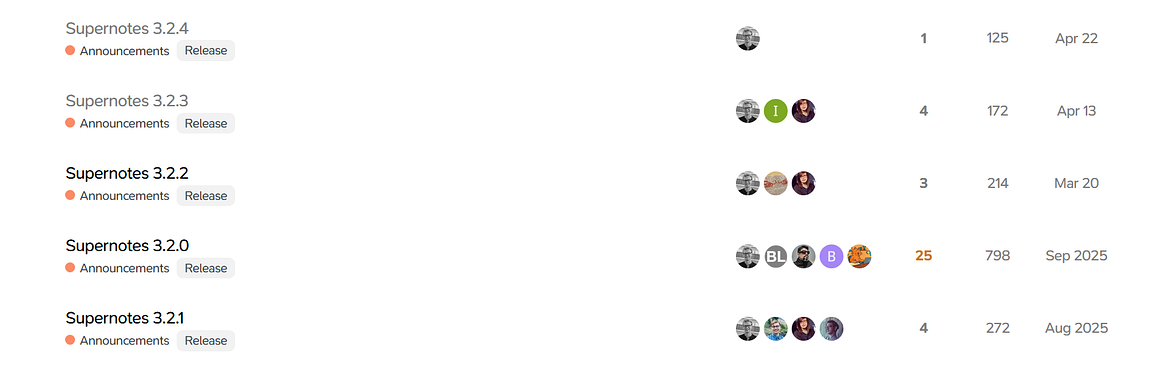
I also want to mention that the founders of Supernotes now live and work in San Francisco with Delphi, but Supernotes continues to be developed and is getting updates. I actually prefer that. As someone who tests productivity apps as a hobby, it is a nightmare when you build workflows and then suddenly the app decides to add a wave of new features and you have to change the way you work. I am not looking for applications that change regularly. I want my productivity apps to stay fairly stable. So I have always liked how Supernotes adds new features gradually, and it looks like they are continuing with that approach. If you want to see my system in action, I am planning to do a YouTube video on it once I have spent some more time using it. So stay tuned for that.
Keep in mind that this is a system I built for myself using the Zettelkasten method as inspiration. There are other ways of building a Zettelkasten system, and the traditional Zettelkasten system is a little different from mine.